How to Build a Smart Home Control Panel with WordPress and IoT
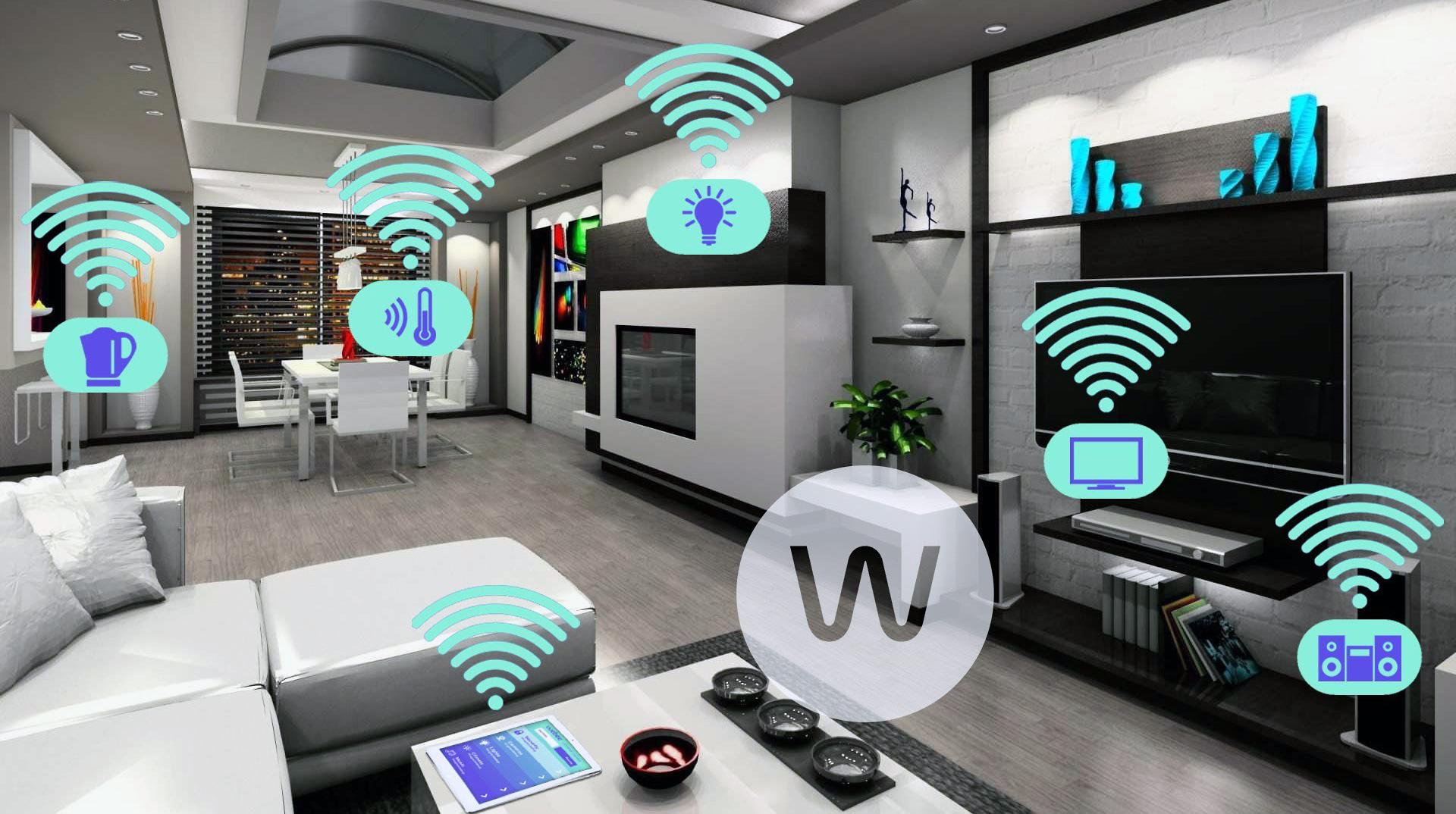
The smart home revolution is here, and controlling connected devices from one central place is no longer a luxury—it's becoming a necessity. One of the most versatile ways to build a smart home control panel is by using WordPress combined with IoT (Internet of Things) technology. This approach allows for a customizable, scalable, and user-friendly experience.
In this guide, we'll walk you through how to create your smart home control panel with WordPress and IoT, why you might want to hire WordPress developers, and how custom IoT solutions can make your system even more powerful.
Why Choose WordPress for Your Smart Home Control Panel?
WordPress is widely known as a website-building platform, but its flexibility extends far beyond blogs and e-commerce. It can be adapted into a smart home control panel because of its customizable backend, vast library of plugins, and large community support.
When you hire WordPress developers, you tap into their ability to create custom dashboards, integrate third-party APIs, and build a seamless interface that communicates with IoT devices.
Moreover, WordPress offers:
Ease of use: Intuitive interfaces for non-technical users.
Customization: Thousands of plugins and themes to personalize the system.
Security: Regular updates and robust security plugins.
Scalability: Easily expand your control panel to manage more devices or add new features.
If you're serious about building a professional-grade control panel, investing in expert developers is critical.
Understanding IoT Development for Smart Homes
Before diving into the technical setup, it’s important to understand what IoT development entails. IoT devices are interconnected physical devices embedded with sensors, software, and other technologies to exchange data with other devices and systems over the internet.
In the context of smart homes, IoT includes devices like:
Smart lights
Thermostats
Security cameras
Smart locks
Voice-controlled assistants
Successful IoT development ensures these devices communicate seamlessly. Custom IoT solutions allow for deep integration, real-time updates, and automation—all of which you’ll want in your control panel.
Steps to Build Your Smart Home Control Panel
Here’s a practical step-by-step guide:
1. Plan Your Smart Home Ecosystem
First, identify which IoT devices you want to integrate. Check if these devices offer APIs or are compatible with popular smart home platforms like Google Home, Alexa, or SmartThings. The broader your compatibility, the more functional your control panel will be.
Pro Tip: Consider future expansions. Smart homes grow rapidly as new technologies emerge.
2. Set Up a Dedicated WordPress Website
You’ll need a WordPress installation. You can host this locally on a Raspberry Pi, home server, or use a secure cloud provider.
Choose a theme that's lightweight and customizable. Some smart home enthusiasts prefer dashboard-focused WordPress themes to create a user-centric interface from day one.
If you're not familiar with advanced WordPress setups, it's a good idea to hire WordPress developers who can configure your environment properly.
3. Create the Backend to Manage IoT Devices
Custom post types and taxonomies in WordPress can represent different devices and their statuses. Developers can create an interface where:
Each device is a post.
Device status (on/off, temperature, etc.) is a post meta field.
Automation rules are custom taxonomies or post relationships.
Through REST APIs, WordPress can communicate with your devices. Whether it's turning off the lights or checking camera feeds, the server acts as the brain behind the scenes.
This is where custom IoT solutions come into play. Instead of relying on third-party platforms with limitations, a tailored backend ensures full control, flexibility, and better security.
4. Develop Frontend Controls and Dashboards
For user interaction, developers build custom templates or plugins:
Toggle buttons for lights.
Sliders for thermostat settings.
Video feed embeds for security cameras.
Alerts for unexpected activities.
By utilizing Ajax and WebSocket technologies, the control panel can offer real-time updates without needing to refresh the page. This results in a seamless and engaging experience.
Again, professional IoT development ensures these frontend elements are not just functional but reliable and secure.
5. Implement Security Measures
A smart home control panel is a gateway to your private world, so securing it is paramount. Developers can implement:
SSL encryption
Two-factor authentication
IP whitelisting
OAuth integrations
Regular plugin and theme updates
When you hire WordPress developers with security expertise, you greatly reduce the risk of cyber threats targeting your smart home.
6. Optimize for Mobile Devices
Smart home control panels must be mobile-friendly. Whether you’re at home or away, accessing your control panel from a smartphone should be fast and easy.
Custom IoT solutions often include developing Progressive Web Apps (PWAs) that offer app-like experiences directly from the browser—perfect for controlling devices on the go.
7. Test Thoroughly and Iterate
Before fully relying on your panel, thoroughly test every feature:
Test each IoT device connection.
Check mobile responsiveness.
Simulate different scenarios (power outages, network interruptions).
Verify security protocols.
User feedback is crucial. If multiple family members use the panel, gather their input for improvements. Regular iterations ensure that the control panel evolves alongside your needs.
Why Hiring Professionals Matters
While building a basic version yourself is possible, a truly reliable and scalable smart home control panel often demands professional expertise. When you hire WordPress developers skilled in IoT development, you ensure:
Proper API integrations
Secure data flows
Optimized performance
Personalized features tailored to your home
Custom IoT solutions, crafted specifically for your needs, also reduce reliance on external cloud providers that might compromise privacy.
Conclusion
Building a smart home control panel with WordPress and IoT opens up endless possibilities for personalization, automation, and security. With the right planning and professional help, you can create a system that’s not only functional but a delight to use daily.
Whether you're managing a few smart lights or an entire connected ecosystem, don’t underestimate the value of expert IoT development and the importance of hiring WordPress developers who understand the unique needs of smart home systems.
Custom IoT solutions are the future—and your dream smart home is just a few strategic steps away!


